 Excel is a powerful tool that can enhance your productivity in project management, data analysis, and many other fields.
What if you want to become a superhero in Excel in just 15 minutes? This video and article show you the 9 tips you need to be amazing in Microsoft Excel, and your boss and colleagues will truly be amazed! Here they are – the nine essential Excel features that you should know to amaze your friends:
1. Pivot Tables
Pivot tables are a great way to summarize large sets of data. They allow you to organize and manipulate your data to get a simplified view.
To create a pivot table:
- Select your data range and format it as a table.
- Go to Insert > PivotTable.
- Choose the data range and decide where you want the pivot table to be placed.
- Drag and drop fields to rows, columns, values, and filters sections to customize your pivot table.
For example, you can count the number of job titles in different countries and filter the data by departments.
2. VLOOKUP
VLOOKUP is used to find and retrieve data from a specific column in a table.
To use VLOOKUP:
- Type =VLOOKUP(lookup_value, table array or area, column number you’re looking for, Exact Match yes or no).
For example, =VLOOKUP(A2, data_table, 2, FALSE) will search for the value in cell A2 within “table array or area” and return the corresponding value from the second (2) column. This is particularly useful when you need to match employee IDs with their names, job titles, salaries, and bonuses.
3. Quick Analysis and Data Bars
Quick Analysis allows you to apply conditional formatting, create charts, and more with a few clicks.
To use Quick Analysis:
- Select your data range.
- Click the Quick Analysis button that appears at the bottom right.
- Choose options like Data Bars, Color Scale, or Icon Set to visualize your data quickly.
Data bars visually represent the value in each cell, making it easy to see variations at a glance.
4. IF Then Else Statements
IF statements help you perform logical tests and return different values based on the results.
To create an IF statement:
- Type =IF(logical_test, value_if_true, value_if_false).
For example, =IF(B2 > 100000, “Yes”, “No”) will check if the value in B2 is greater than 100,000 and return “Yes” or “No” accordingly.
This can be used to check if salaries exceed a certain amount.
5. Spark Lines
Spark lines are tiny charts within a cell that provide a visual representation of data trends.
To insert spark lines:
- Select your data range.
- Go to Insert > Sparkline > Line.
- Choose the data range and the cell where you want the sparkline to appear.
Spark lines are useful for displaying trends in salaries across different countries.
6. Wildcard
Wildcards allow you to perform partial matches in your data searches.
To use a wildcard:
- Type =COUNTIF(range, “*criteria*”).
For example, =COUNTIF(B2:B10, “*manager*”) will count the number of cells that contain the word “manager” within the specified range.
This feature helps in searching for specific terms within job titles.
7. TRIM
TRIM removes unwanted spaces from text.
To use TRIM:
- Type =TRIM(text).
- For example, =TRIM(A2) will remove any extra spaces from the text in cell A2.
This ensures that your data is clean and free of unnecessary spaces.
8. Transpose
Transpose changes the orientation of your data from rows to columns or vice versa.
To transpose data:
- Select your data range and copy it.
- Right-click where you want to paste the data, choose Paste Special, and select Transpose.
This feature is useful for reorganizing data to fit your needs.
9. Case Conversion
Excel functions can change text to uppercase, lowercase, or proper case.
To change case:
- Use =UPPER(text) to convert to uppercase.
- Use =LOWER(text) to convert to lowercase.
- Use =PROPER(text) to convert to proper case.
- For example, =UPPER(A2) will change the text in A2 to all uppercase letters.
These nine features can significantly enhance your efficiency and effectiveness in using Excel. Practice these techniques to get up to speed with Excel quickly and make your data management tasks easier and more productive. Happy Excelling!
See more Excel Tips and Tricks:
- Essential Excel Shortcuts to Master Your Table Data
- 20 Excel Shortcuts to Clean Up Your Spreadsheet Like a Pro
- 9 Excel Features you MUST know – 15 Minute Zero to Hero
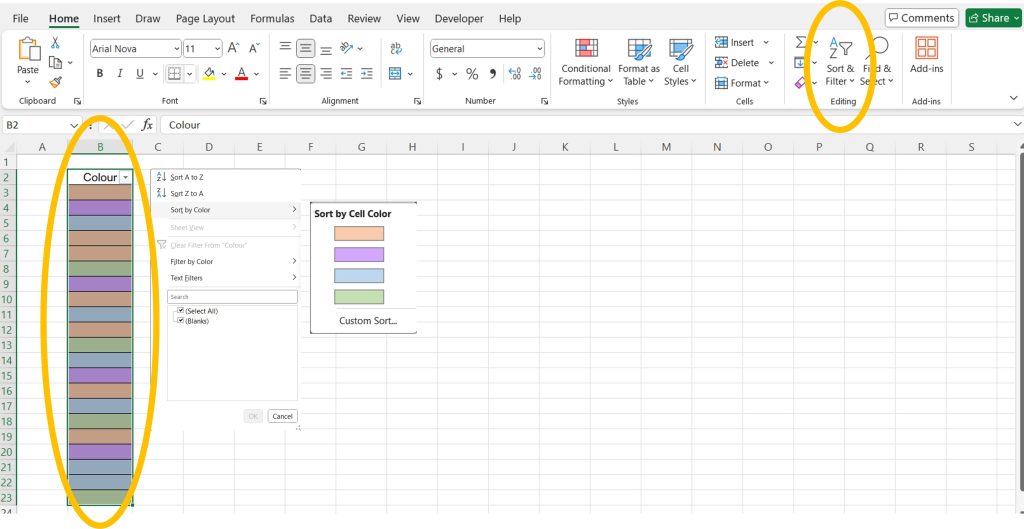
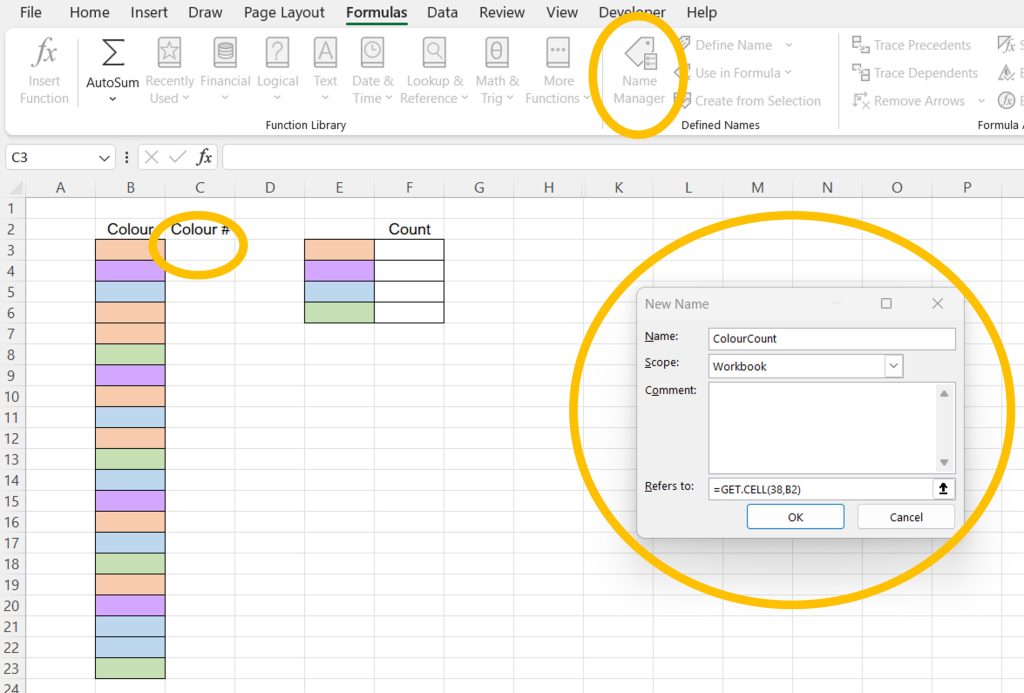
- How to Count Colored Cells in Excel (3 Ways)
You can see what people are saying about David McLachlan here: REVIEWS
Navigate to Free Project Management and Leadership Articles through the links on the right (or at the bottom if on Mobile)


 Strengths: You can remain calm while managing a crisis, quickly deciding what needs to be done to solve the problem.
 Strengths: You’re a creative visionary who enjoys providing practical help or service to others, as well as facilitating and encouraging cooperation.
 Strengths: You’re adaptable, friendly, and talkative. You enjoy working with others and experiencing new situations.
 Strengths: You apply common sense and experience to problems, quickly analyzing what is wrong and then fixing it.
 Strengths: You enjoy working within clear systems and processes.
 Strengths: You apply common sense and experience to solving problems for other people.
 Strengths: You drive yourself to reach your goal, organizing people and resources in order to achieve it.
 Strengths: You’re sociable and outgoing, understanding what others need and express appreciation for their efforts.
 Strengths: You enjoy finding a shared vision for everyone, inspiring others and devising new ways to achieve the vision.
 Strengths: You enjoy helping others with their growth and inner development to reach their full potential.
 Strengths: You’re able to get the most out of teams by working closely with them, and make decisions that take into account the values of others.
 Strengths: You’re willing to consider almost any possibility and often develop multiple solutions to a problem.
 Strengths: You’re able to define a compelling, long-range vision, and can devise innovative solutions to complex problems.
 Strengths: You can adopt a detached and concise way of analyzing the world, and often uncover innovative approaches.
 Strengths: You’re able to efficiently organize people and resources in order to accomplish long-term goals.
 Strengths: You enjoy developing strategy and often spot and capitalize on new opportunities that present themselves.